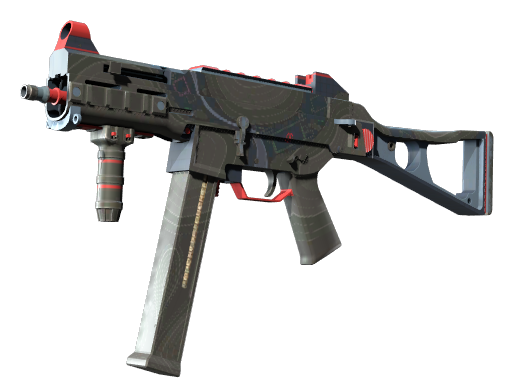
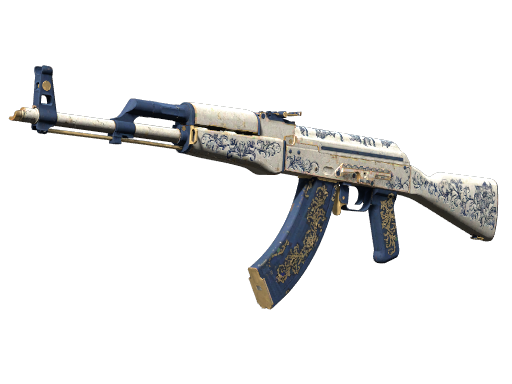
1. Buying a Skin – Step by Step
- Pick a Skin:
Browse our marketplace and choose the item you'd like to purchase.
- Add It to Your Cart:
Hit the “Add to Cart” button and get ready to check out.
- Sign In or Register:
Log into your account or create one in seconds—it helps speed things up.
- Check & Pay:
Double-check your order, apply promo codes if you have any, and complete the payment.
- Get Your Skin:
Once paid, follow the delivery steps in your email or your user dashboard.
2. Selling a Skin – Quick Guide
- Create or Access Your Account:
You need an account to sell. Don’t have one? Sign up—it's quick and free.
- Go to the Selling Page:
Click on “Sell Skins” from the main menu or your profile panel.
- Add Your Skin:
Fill in the details: skin name, condition, maybe a screenshot or two.
- Set Your Price:
Enter the amount you want. Not sure? Check current market prices for help.
- Submit for Review:
Once submitted, our system will check the listing before it goes live.
- Get Paid:
When your skin is bought, complete the trade and receive your payment.
Have Questions?
Reach out to our support team contact us via email or send request on contact page - we’re here to help!